HIV Dating Apps: Dating From Your Phone Without the Guesswork
Dating from your phone changes more than the screen size.
An app can stay signed in. Notifications can appear on your lock screen. It may ask for access to your location, photos or camera. And because your phone is always with you, sharing a photo or replying to someone can happen much faster than it would on a dating website.
For people looking for HIV dating apps, those small details can matter.
You still want to meet someone you like. But you may also want more control over what appears on your phone, what the app can access and how much you share before you know someone.
So before you download an app and start swiping, it helps to know what to check.
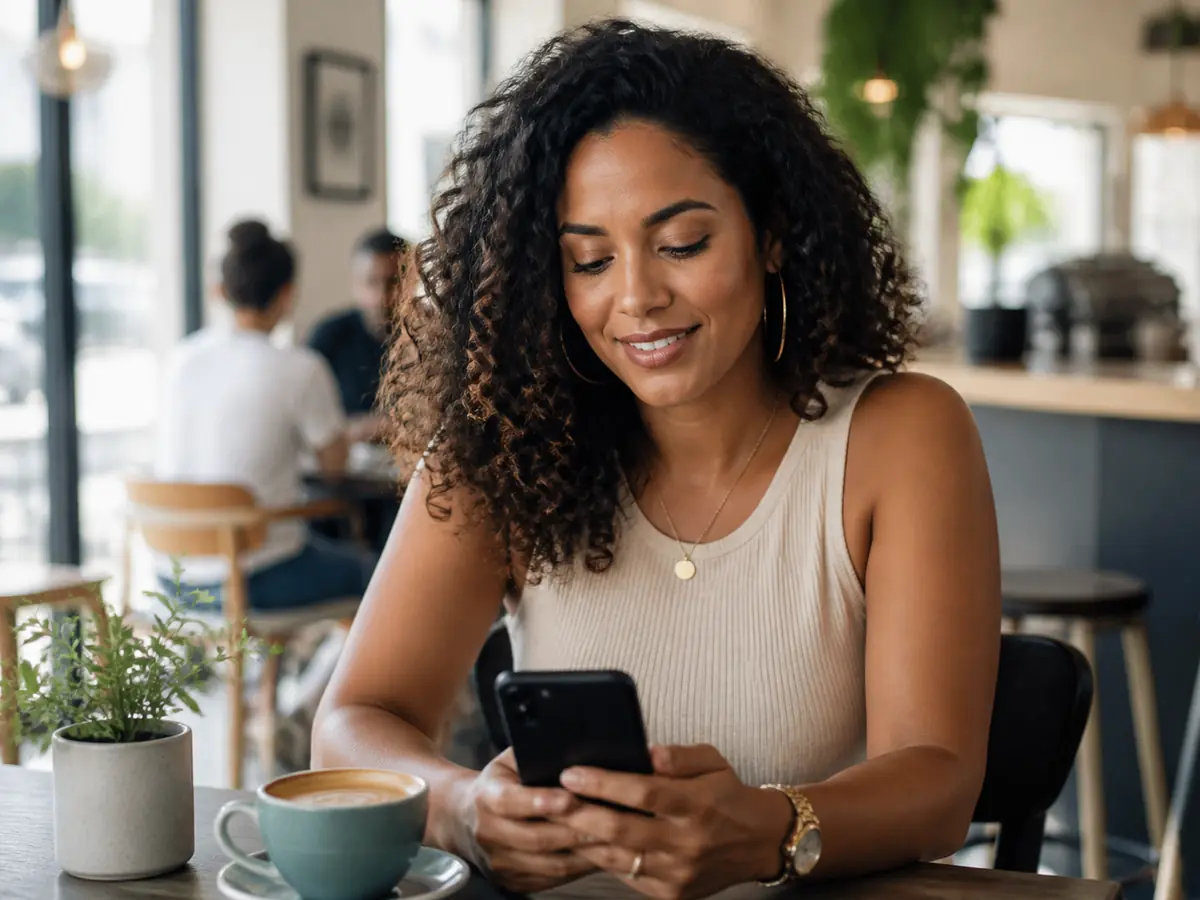
What Changes When HIV Dating Moves to Your Phone?
Using a dating app can feel more convenient than opening a website every time you want to check a message. That convenience also puts dating much closer to the rest of your everyday life.
Your notifications become part of your privacy
A message doesn’t stay inside the app if a preview appears on your lock screen. If other people sometimes see your phone, think about how much you want notifications to reveal.
You may prefer to see New notification rather than a sender’s name or message preview. Your phone’s notification settings can be just as important as the settings inside the dating app.
Your location may be part of the experience
Dating apps often use location to help you find people nearby. Before automatically tapping Allow, look at what your phone is asking you to share. Depending on your device and the app, you may have choices around when location can be used and how precise it is.
You don’t need to give every permission just because an app asks for it.
Sharing photos becomes very easy
On a phone, taking and sending a photo can take seconds. That doesn’t mean every photo needs to be shared immediately. Private albums can manage visibility inside a service, but once another person can see something, never assume you still have complete control over it.
Share at the pace that feels right for you.
The app may stay signed in
A website is something you might close when you’re finished. An app often stays on your phone. If other people can access your device, a screen lock, biometric access where appropriate and careful notification settings can reduce accidental exposure.
MOBILE OPTION
Want to Try HIV Dating From Your Phone?
If you’ve already decided you’d like to meet people through a positive-singles community, PositiveSingles has dedicated mobile apps alongside its website.
The service currently provides apps for both iPhone and Android. PositiveSingles describes the app as serving people living with HIV and other STIs rather than operating as an HIV-only app.
That means you don’t need to choose between using a dating service on a computer and dating from your phone. You can use the format that fits the way you actually communicate.
If mobile dating is what you prefer, the easiest way to judge the experience is to try the app itself.
Explore PositiveSingles on MobileBefore You Install: Read More Than the Star Rating
Check when it was last updated
An app that is still being maintained is different from one that has been sitting untouched for years. Look at the update history in the App Store or Google Play rather than assuming a dating service is actively maintaining its app because its website is still online. Recent updates don’t guarantee a great experience, but they tell you something useful about ongoing development.
Read recent reviews, not just the average
A star rating is an average of many different experiences. One person may be rating the matching experience. Another may be complaining about billing, crashes, login problems or customer support. Pay more attention to repeated patterns than to one extremely positive or negative review.
Look for in-app purchases
A free download tells you exactly one thing: the app costs nothing to install. It doesn’t necessarily tell you what happens after you create an account. Check whether its store listing shows subscriptions or in-app purchases.
Read the privacy information provided by the store
Apple and Google provide privacy-related information on app listings. Those labels are not a substitute for the service’s privacy policy, but they offer another place to understand what an app says about its data practices before installing it.
Check that you’re downloading the real app
Use the official App Store or Google Play listing linked by the service rather than downloading an installation file from an unfamiliar website. A familiar logo alone isn’t enough. Check the app name and publisher before installing.
“A Good App Rating Doesn’t Mean Good Dates.”
An app can have excellent software and still show you nobody you’re interested in. Another app may have a less polished interface but introduce you to someone you genuinely want to know.
Store ratings can tell you something about whether the app crashes, how easy it is to use, billing experiences, login problems, notification behavior, customer support and bugs after an update.
Those are useful things to know. But none of them answers: Will I meet someone here who I actually want to talk to?
Use ratings as one signal, not as a dating guarantee.
From Download to First Conversation
- 01
Download
Start with the legitimate version from Apple’s App Store or Google Play.
- 02
Permissions
Read requests for location, camera, photos and notifications before approving them. You can review permissions later.
- 03
Profile
Add enough information to show who you are and what you want. You can add more when you’re comfortable.
- 04
Explore
Learn whether navigation, settings, conversations, blocking and reporting feel clear before investing too much time.
- 05
Notifications
Decide early what you want your phone to show instead of waiting for an unexpected lock-screen preview.
- 06
Conversation
Communication can be fast. You don’t have to be. Choose how much attention, information or money to put in.
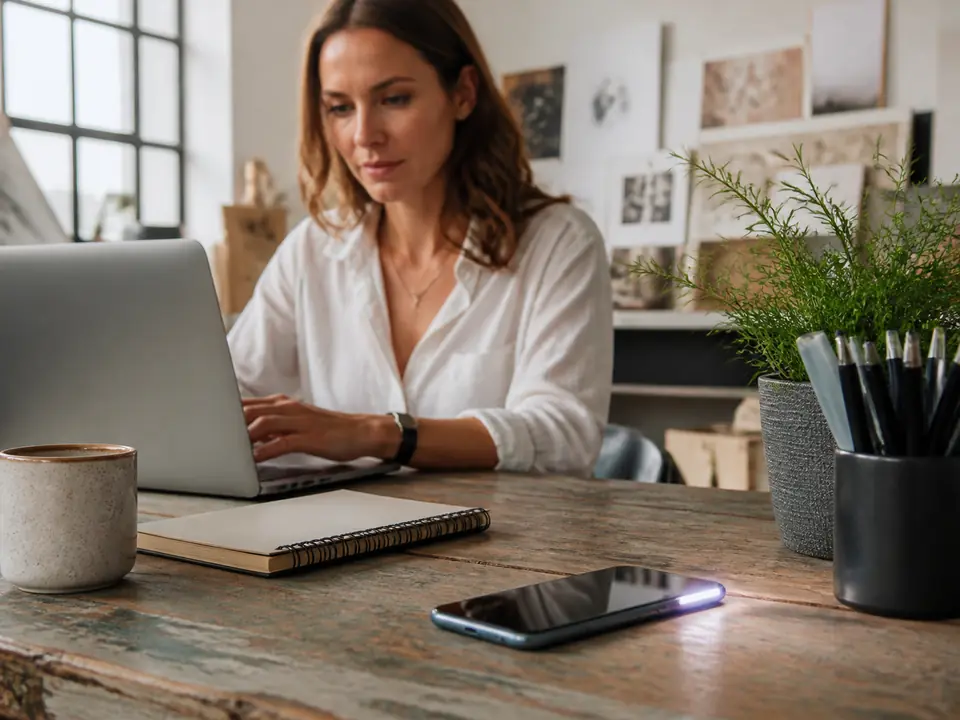
LOCK-SCREEN PRIVACY
Dating App Notifications and HIV Privacy
For an HIV dating app, privacy doesn’t stop at your dating profile. Your phone itself becomes part of the equation.
Imagine you’re sitting with friends and your phone lights up on the table. What appears—the app name, sender’s name, part of the message or only a generic notification?
There isn’t one correct setting for everyone. The useful thing is knowing that you have a choice.
Check your lock-screen previews
Both iPhone and Android provide controls over how notifications appear, although options vary by device and operating-system version.
Think about the app name appearing on screen
Even with the message hidden, the name of an HIV- or STI-focused dating app may reveal more than you intended.
Shared devices need extra care
If another person can unlock your phone or tablet, consider the security settings available on the device itself.
“You decide when your dating life becomes visible to someone else.”
Location Permissions: Convenience vs Control
Location is useful in dating. Someone 10 miles away is a very different possibility from someone 1,000 miles away.
When an app requests location access, look at what your device is offering. Depending on the operating system and app, your phone may provide choices about when an app can use location and whether it receives a precise or approximate location.
Choose the level of access that makes sense for how you intend to use the app. If you change your mind, review app permissions through your phone settings.
Photos: “Private” Doesn’t Mean Impossible to Save
Dating apps make photo sharing feel casual. A tap can move a picture from your camera roll into a conversation.
Once another person can see something, don’t assume you can control every copy of it. Private albums can help decide who gets access inside the service, but they cannot guarantee an image will never be captured or shared another way.
Before sending a photo, ask: Would I still be comfortable if I couldn’t take it back? If the answer is no, wait.
App or Website: Which Is Better for HIV Dating?
APP
- Everyday chat
- Quick checking
- On the go
- Notifications
WEBSITE
- Profile editing
- Longer messages
- Account settings
- Larger screen
You don’t necessarily have to choose one forever. The website can be useful for creating or editing your profile, reading longer messages or reviewing account settings. The app can be more convenient for checking conversations away from a computer.
For services that offer both—including PositiveSingles—you can use whichever format suits what you’re doing. A simple approach is: Website for setup. Phone for everyday communication. Or the opposite.
The better option is the one that gives you the level of convenience and control you prefer.
Explore PositiveSingles on MobileDELETE APP ≠ DELETE ACCOUNT
If You Delete the App, Is Your Dating Profile Gone?
Not necessarily. Removing an app from your phone and deleting your dating account are two different actions. Uninstalling removes the software from your device; it does not automatically mean the account held by the service has been deleted.
- Open the service’s account or privacy settings.
- Look for its current deactivate, hide or delete options.
- Read what each option actually does.
- Complete the appropriate account action.
- Then remove the app if you no longer need it.
Don’t assume that deleting an icon deletes the account behind it.
Five Things to Check on Your Phone
- 01
Notifications
What can appear on your lock screen?
- 02
Location
What location access have you allowed?
- 03
Photos
What are you comfortable sharing?
- 04
Permissions
What access have you given the app?
- 05
Your Account
Do you know how to leave?
Five minutes spent checking these settings can give you much more control over how mobile dating fits into the rest of your life.
COMMON QUESTIONS
HIV Dating Apps FAQ
Can an HIV dating app appear on my lock screen?
It can if notifications are enabled and your phone is configured to display them on the lock screen. What appears depends on the app, your device and your notification settings. If this matters to you, review notification previews before you start using the app regularly.
Does deleting a dating app delete my profile?
Usually, uninstalling an app and deleting an account are separate actions. If you want to leave a dating service completely, use its current account deletion or deactivation process before assuming that removing the app has removed your profile.
Should I allow a dating app to use my precise location?
That depends on the features you want to use and the choices your device provides. Read the location permission request instead of automatically approving it, and review the permission later if your needs change.
Can someone save a photo I send through a dating app?
You should assume that anything another person can view could potentially be preserved in some form. Private-photo features can control access inside an app, but they shouldn’t be treated as a guarantee that an image can never be captured or shared.
Is an HIV dating app better than using a dating website?
Not automatically. Apps are convenient for everyday communication, while websites can be more comfortable for longer sessions, profile editing and account settings. If a dating service offers both, you can use whichever works better for what you’re doing.
Ready to Try Dating From Your Phone?
The best mobile dating experience isn’t necessarily the app with the highest rating or the most impressive screenshots. It’s the one you feel comfortable using—and the one where you find people you actually want to know.
If you want to explore a positive-singles community from your phone, PositiveSingles currently offers apps for both iPhone and Android. Take a look and decide whether it feels right for you.
Explore PositiveSingles on Mobile